![wethos_icon_light-mode-nmcocwgai7dk3bq6c54sa7ubcw.svg]](https://24346244.fs1.hubspotusercontent-na1.net/hubfs/24346244/wethos_icon_light-mode-nmcocwgai7dk3bq6c54sa7ubcw.svg)
Think of WethosAI as your decoder for every day communication, collaboration, and connection. We've created your onboarding journey to be simple and intuitive, to give you the most personalized cognitive insights.
Ready to transform how you work with others? Let's begin! 🚀
Step 1: Create Your Account
You'll receive an email from WethosAI. Click "Get Started Now."
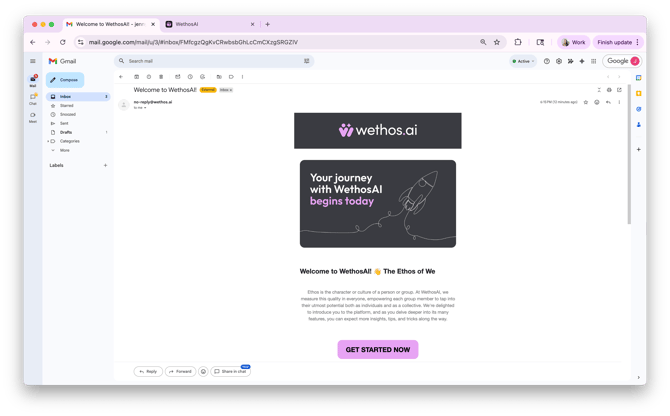
Create a password and click verify.
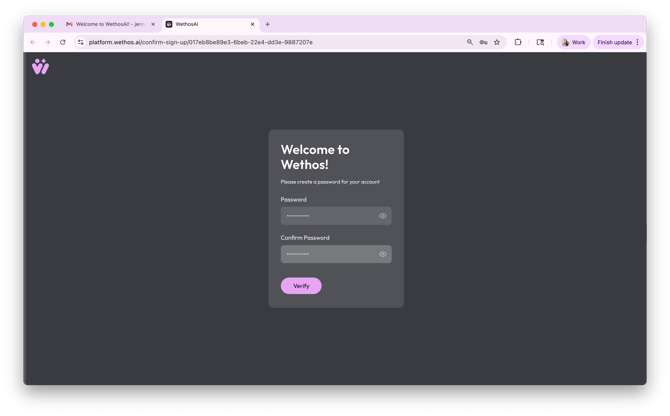
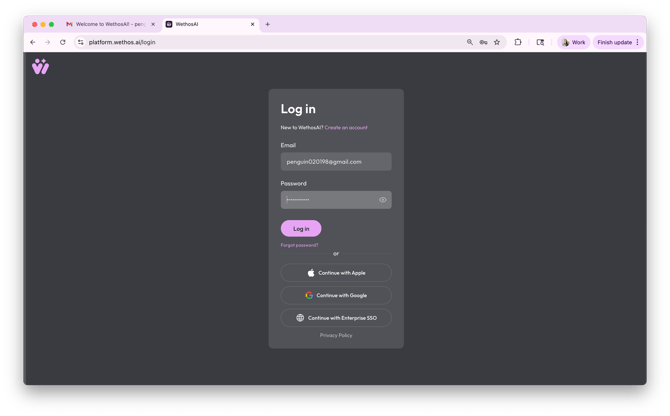
Log in to the platform. You'll be prompted to agree to our End-User License Agreement and our Community Guidelines.
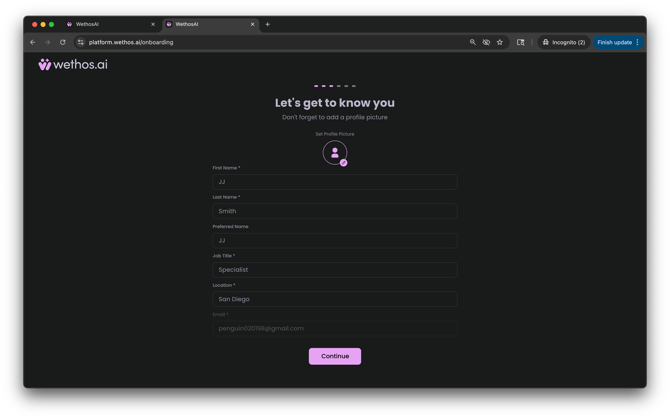
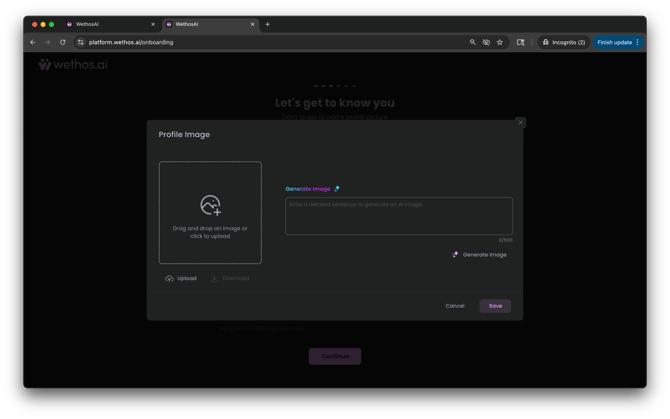
Fill out your profile. Click the profile icon to update your picture (or do so later in the platform).
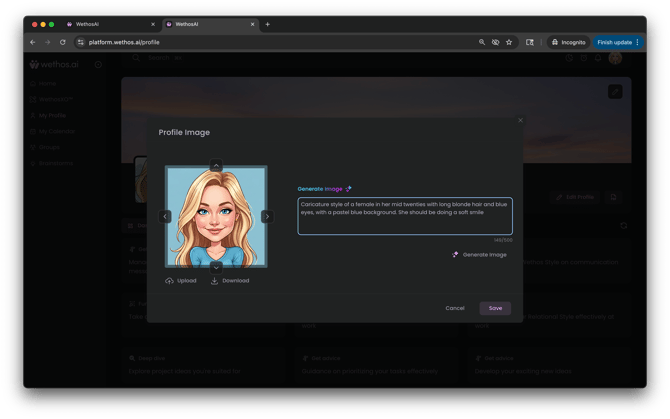
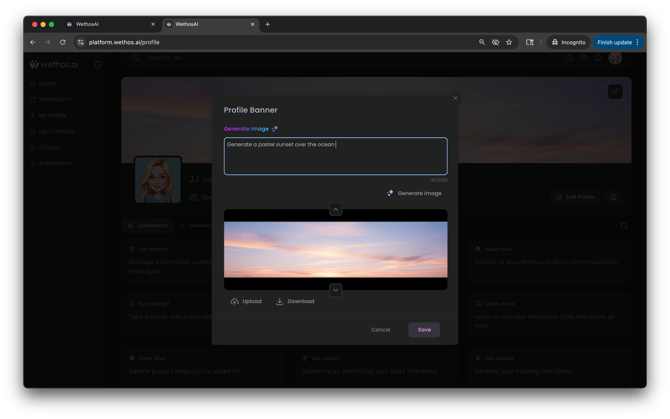
Upload a profile picture or generate an image by typing in the description and clicking "Generate Image." Once you're happy with the image, click "Save."
Step 2: Choose Your Assessment Path
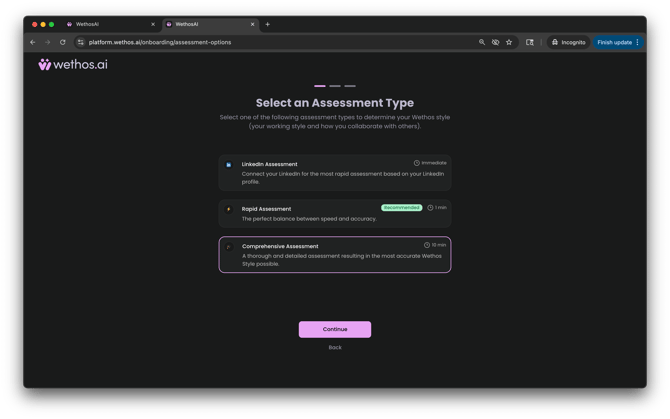
COMPREHENSIVE ASSESSMENT
💡 We recommend selecting the Comprehensive, 84-question assessment for our most thorough and validated results.
- Time: 10 minutes
- Questions: 84 detailed questions
- Best For: Those seeking maximum accuracy and depth
- Benefits: Highest possible precision for personalized insights
Each question offers Agree, Uncertain, and Disagree as response options. Trust your gut and only select Uncertain if you truly can't decide.
OTHER ONBOARDING OPTIONS
LinkedIn Profile Connection
Best for: Busy professionals who want to get started immediately
- Pros: Instant results, zero time investment, completely frictionless
- Cons: Less personalized, initial insights may need more refinement
- Time: Instant
Rapid 8-Question Assessment
Best for: Group members who want a balance of speed and accuracy
- Pros: Quick but meaningful insights, focused questions, minimal time investment
- Cons: Not as comprehensive as full assessment
- Time: 1 minute
Step 3: Understanding Your Wethos Style
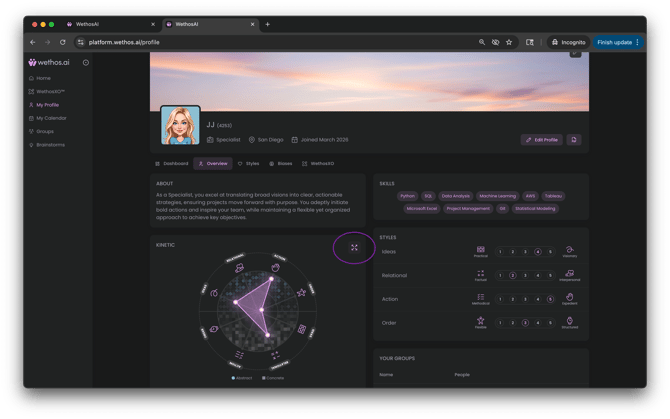
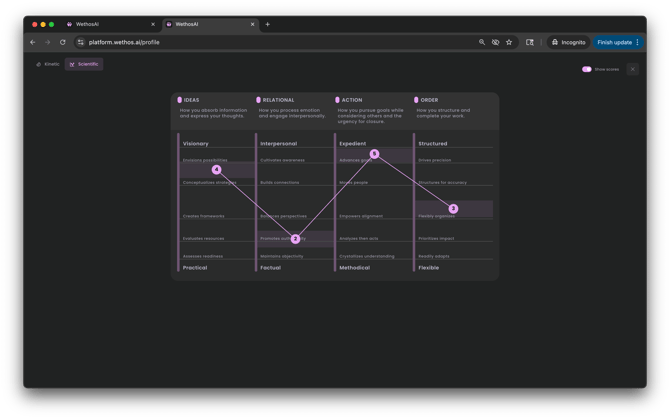
Your assessment results in a unique 4-digit code representing your behavioral preferences across four scales.
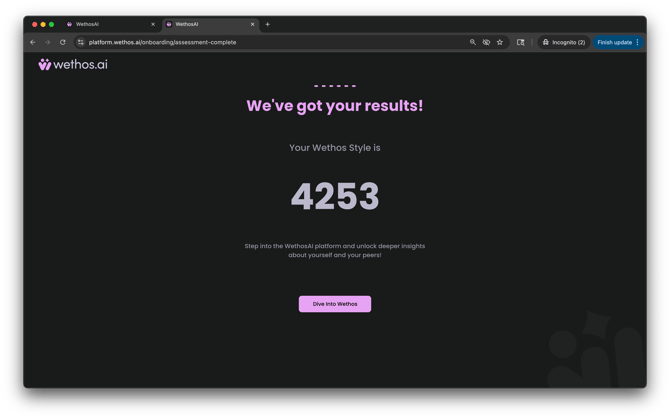
Each number relates to the metrics our research has determined links to addressing how individuals and teams, make decisions and execute upon them. You can then click through our onboarding steps to learn what each digit means.
| Scale | Ideas | Relational | Action | Order |
| Description |
How you absorb information and express your thoughts |
How you process emotion and engage interpersonally |
How you pursue goals while considering others and the urgency for closure |
How you structure and complete your work |
| Anchors |
Visionary to Practical |
Interpersonal to Factual |
Expedient to Methodical |
Structured to Flexible |
| What it's not | Not about creativity | Not about EQ or empathy | Not about leadership | Not about organizational skills |
- No "good" or "bad" styles - each has unique strengths
- Your numbers show natural preferences, not limitations
- You can adapt and flex when needed
- Understanding helps you work more effectively with others
Step 4: Get to Know the Platform & Meet XO
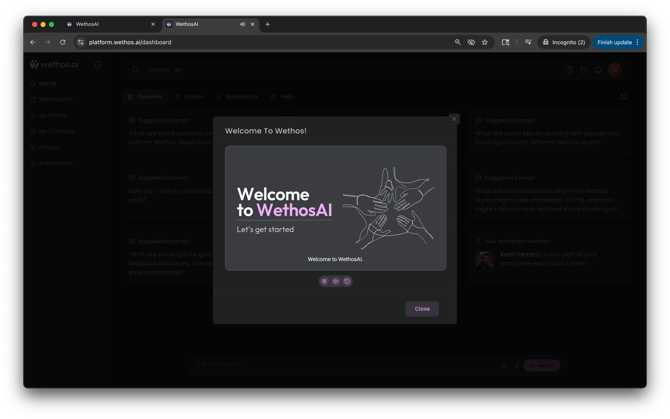
You'll be presented with the opportunity to watch a short video to understand how to best utilize the platform. Watch as an overview of the platform before diving in.
ACCESSING XO
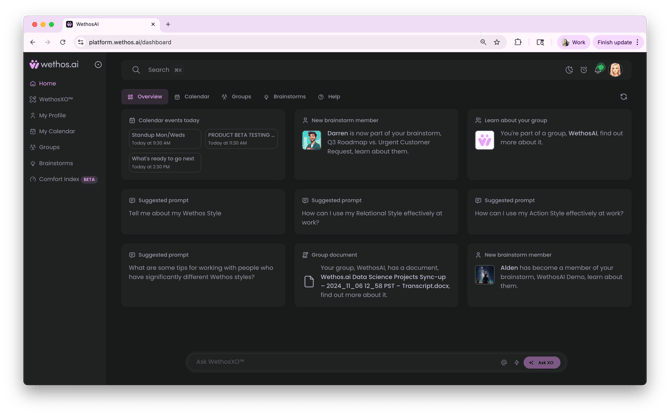
Home Page
There are pre-written prompt cards in categories: Overview, Calendar, Groups, Brainstorms, and Help. Click on any card to get started. Cards rotate frequently with fresh suggestions.
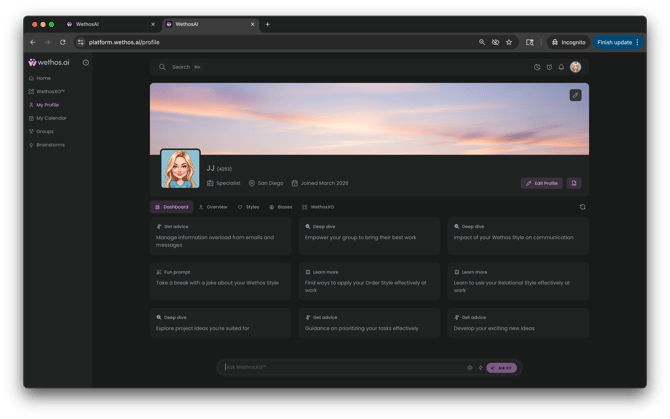
Through Your Profile
- Click your profile picture in the upper right corner or click "My Profile" from the left nav
-
Try asking WethosXO:
-
What does my Wethos Style mean?
-
What are my natural strengths?
-
How can I work better with others?
-
What should I be mindful of with my style?
-
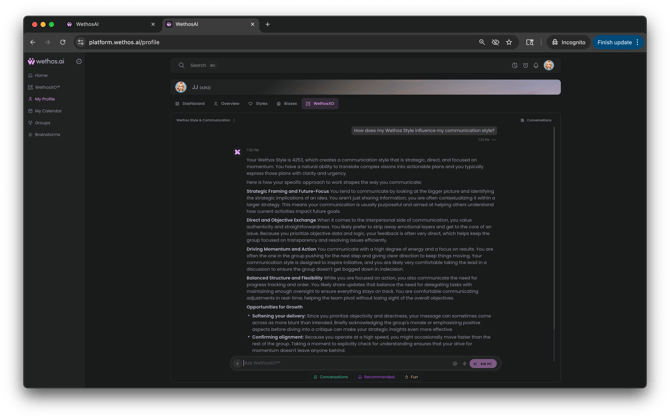 XO is throughout the WethosAI platform. For the full Onboarding Guide, go here.
Step 5: Have Fun! Customize Your Profile
Customize Your Appearance
Profile Picture:- Go to your profile page
- Click the edit icon (pencil) on your profile picture
- Choose to:
- Upload a photo from your device
- Generate one using AI
Banner Image
- Click the edit icon on your banner (top of profile page)
- Upload or generate a custom banner
There's a lot more to explore in our platform. This is just to get you started!
Check out our full onboarding guide for users.