![wethos_icon_light-mode-nmcocwgai7dk3bq6c54sa7ubcw.svg]](https://24346244.fs1.hubspotusercontent-na1.net/hubfs/24346244/wethos_icon_light-mode-nmcocwgai7dk3bq6c54sa7ubcw.svg)
GOOGLE CALENDAR
1. Click Connect Calendar in the bottom right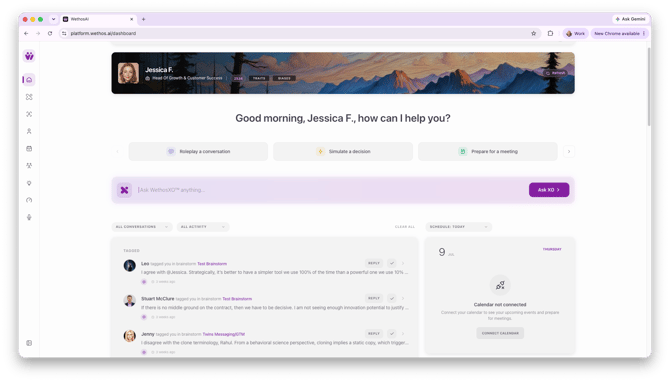
2. Select your preferred calendar connection (Google)
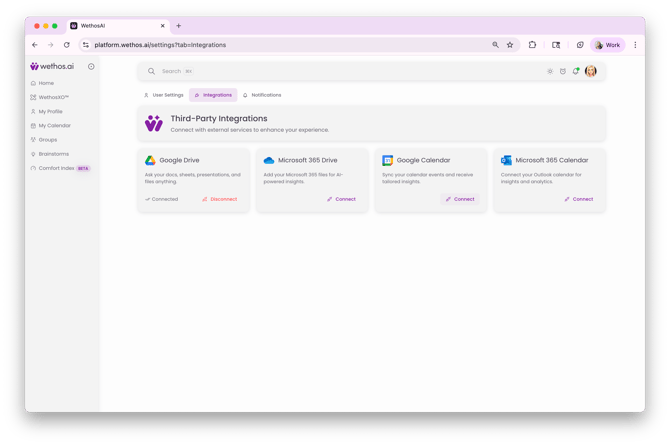
3. Review the User Data Disclaimer
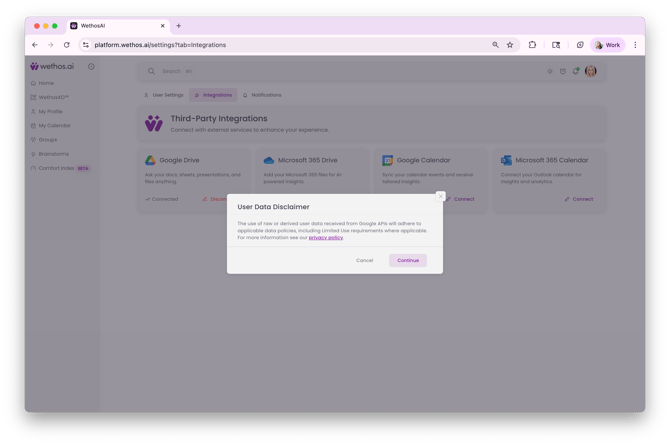
4. Accept and Allow calendar account authentication
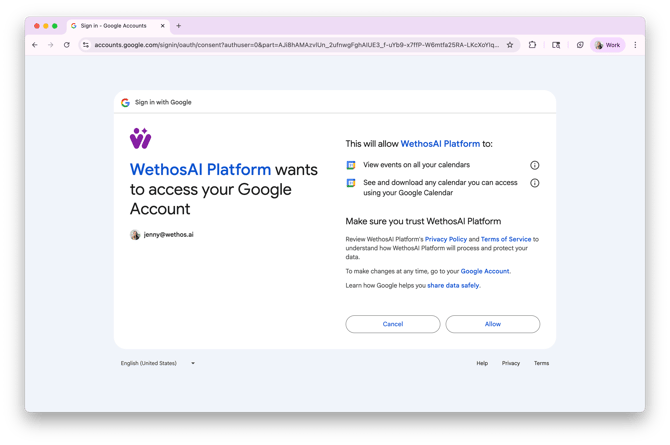
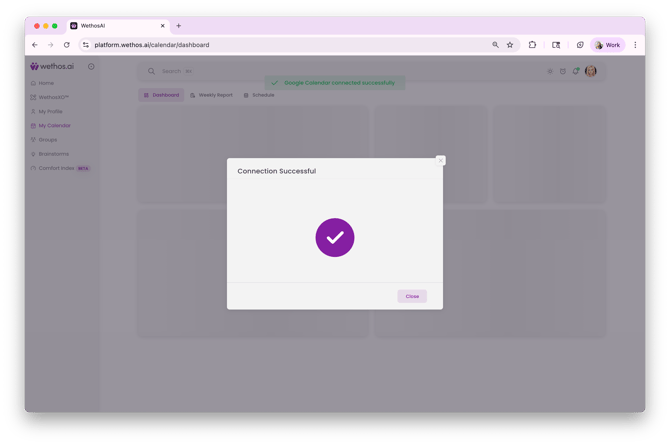
5. Confirmation of successful connection
For additional assistance, head to the platform and ask WethosXO, "How can I connect my calendar?"
MICROSOFT CALENDAR
1. Click Connect Calendar in the bottom right
2. Select your preferred calendar connection (Microsoft)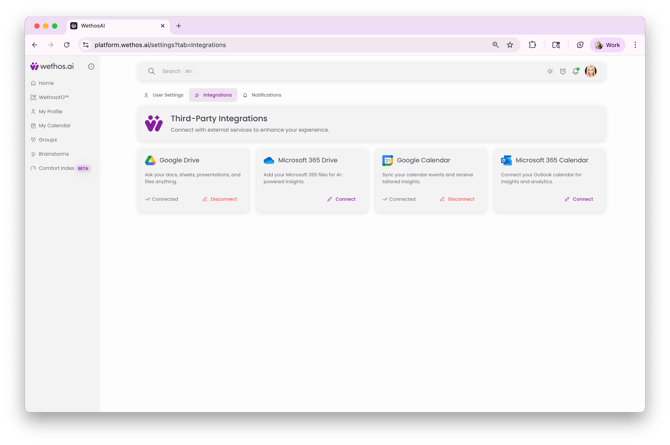
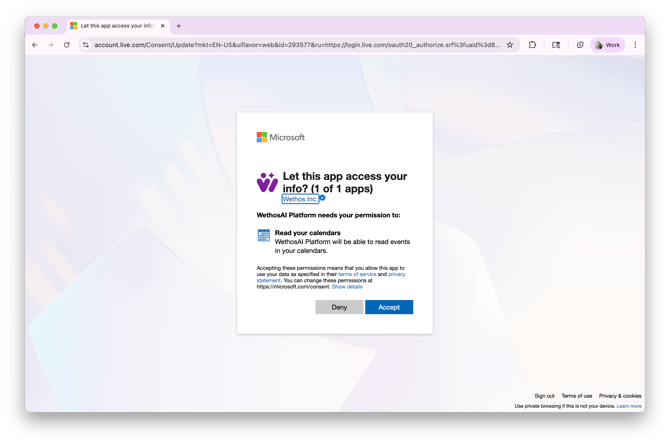
3. Review the User Data Disclaimer
4. Allow calendar account authentication
5. Confirmation of successful connection