![wethos_icon_light-mode-nmcocwgai7dk3bq6c54sa7ubcw.svg]](https://24346244.fs1.hubspotusercontent-na1.net/hubfs/24346244/wethos_icon_light-mode-nmcocwgai7dk3bq6c54sa7ubcw.svg)
OVERVIEW
Once your organization admin has connected Slack to WethosAI, you can add the WethosXO™ app to your Slack sidebar and start chatting with XO directly — just like you would on the WethosAI platform. This means you can get behavioral coaching, ask about colleagues' working styles, and prepare for meetings without leaving Slack.
Note: Your organization admin must connect the Slack workspace to WethosAI before you can add the app. If you don't see WethosXO in the Slack app directory, ask your admin to set up the integration first.
STEP-BY-STEP SETUP
Step 1: Download the Slack App
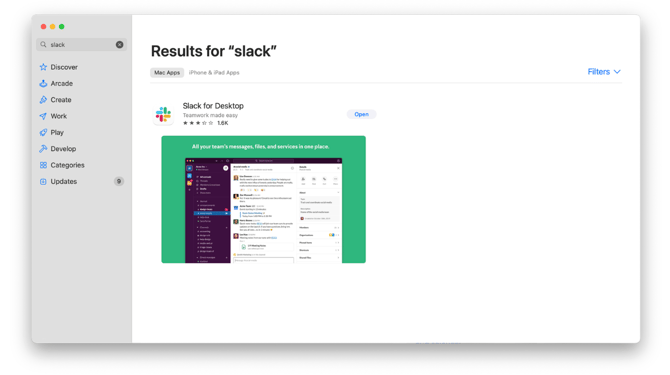
If you don't already have Slack installed, navigate to the app store on your device and search for Slack. Download Slack for Desktop.
Step 2: Sign In to Slack
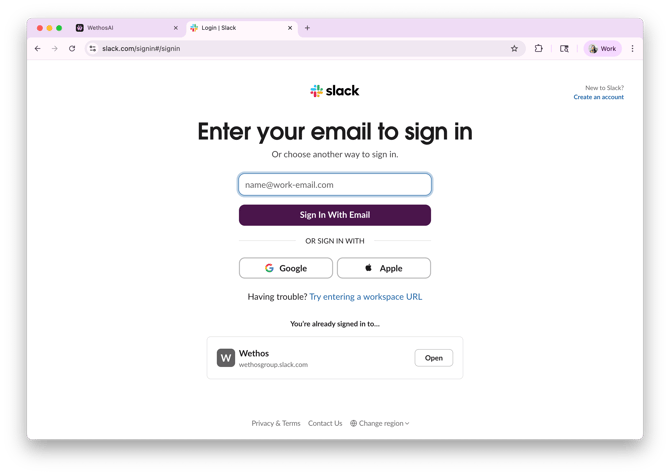
Open Slack and sign in using the same email address that you use in the WethosAI application. This ensures that WethosXO can identify your account and connect to your Wethos Style data.
Step 3: Find Apps
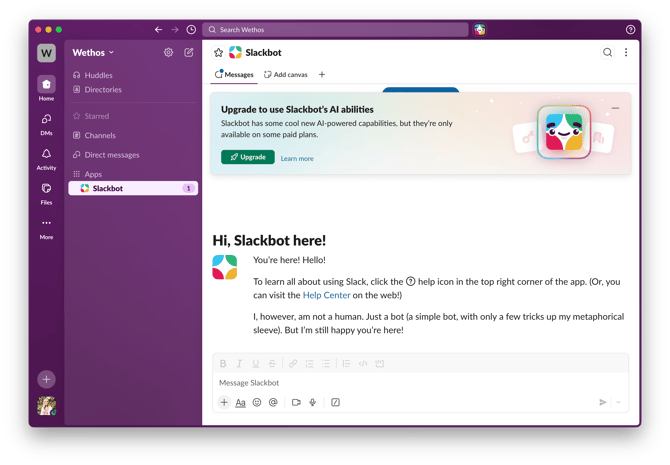
In the bottom-left area of the Slack app, find where it says Apps. Click the + button next to "Add apps."
Step 4: Add WethosXO
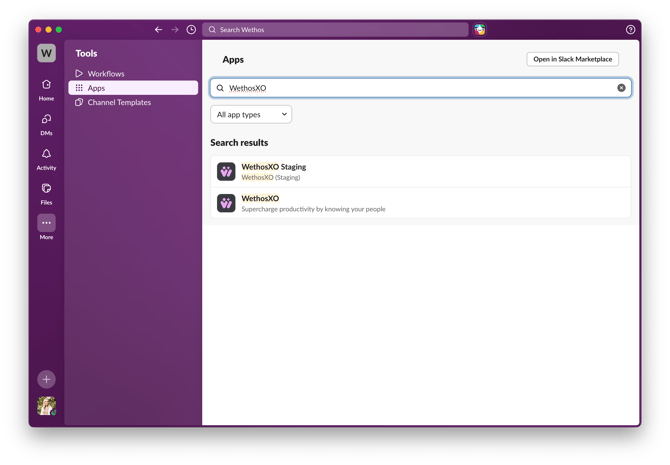
In the app search bar, type Wethos. You should see WethosXO appear in the search results with the description "Supercharge productivity by knowing your people." Click to install and add the app.
Step 5: Confirmation
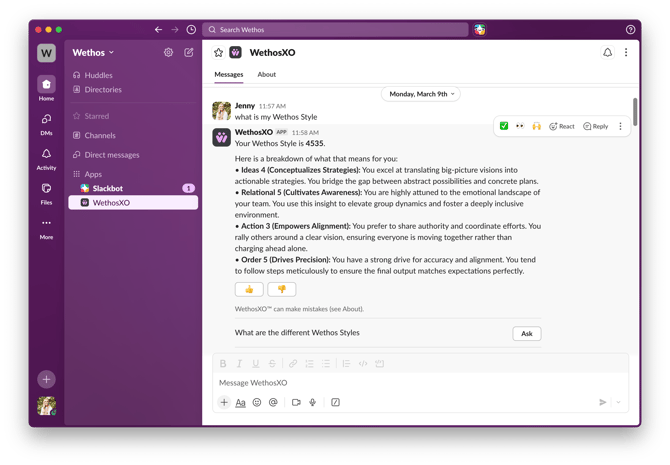
Once added, the WethosXO app will appear in your Slack sidebar under Apps. You'll see a direct message thread with WethosXO — this is where you can interact with XO just as you would on the platform.
WHAT HAPPENS NEXT
You're all set. You can now message WethosXO directly in Slack anytime. XO works the same way it does on the platform — you can ask about your Wethos Style, get coaching on communication and collaboration, prepare for meetings, ask about colleagues using @ mentions, and get advice on workplace scenarios.
Some things to try:
- "What are my strengths based on my Wethos Style?"
- "How should I approach a difficult conversation with my manager?"
- "Help me prepare for my meeting this afternoon."
- "How can I best communicate with @Sarah?"
- "My team isn't collaborating well — what can I do?"
TIPS
Use the same email for Slack and WethosAI. The integration relies on matching your accounts, so signing in with a different email may prevent XO from connecting to your behavioral data.
Think of Slack XO as your quick-access coach. If you're in the middle of a Slack conversation and need behavioral advice before responding, you can switch to your WethosXO direct message, ask your question, and get guidance in seconds.
Your Slack conversations with XO are private. Just like the Global XO Chat on the platform, your direct messages with WethosXO in Slack are visible only to you.
The Slack integration gives you the same WethosXO experience you get on the platform — behavioral coaching, @ mentions for colleagues, and personalized guidance — all without leaving Slack.