![wethos_icon_light-mode-nmcocwgai7dk3bq6c54sa7ubcw.svg]](https://24346244.fs1.hubspotusercontent-na1.net/hubfs/24346244/wethos_icon_light-mode-nmcocwgai7dk3bq6c54sa7ubcw.svg)
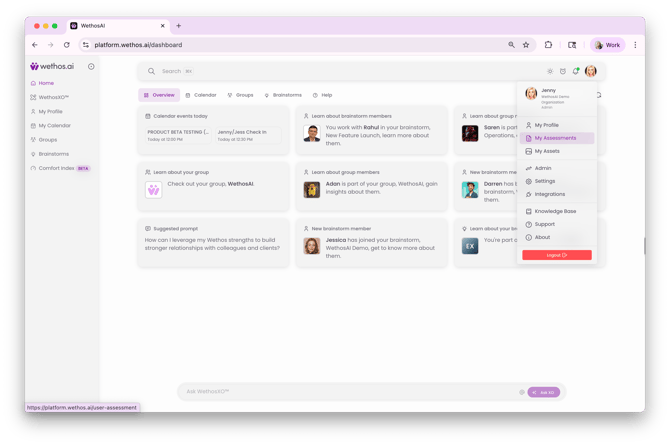
1. Click your profile icon and choose My Assessments
2. Select your desired psychometric (DISC or MBTI)
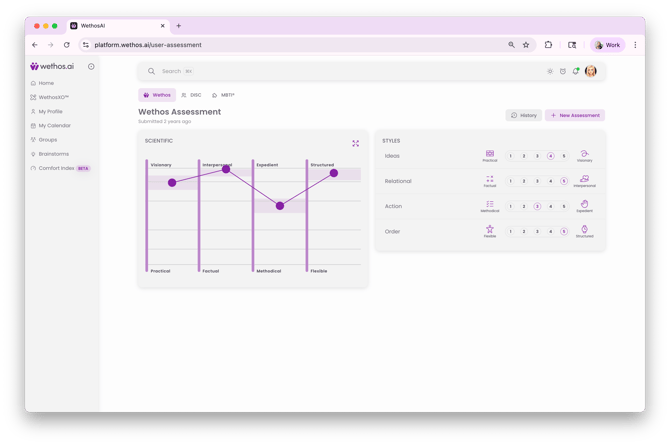
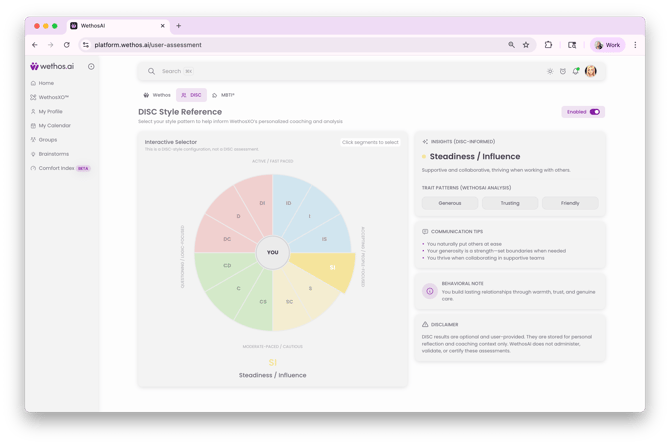
3. If your Admin has enabled one or both assessments, you will see them toggled on and can add your results.
If your admin has not enabled them, you will only see the Wethos assessment option.
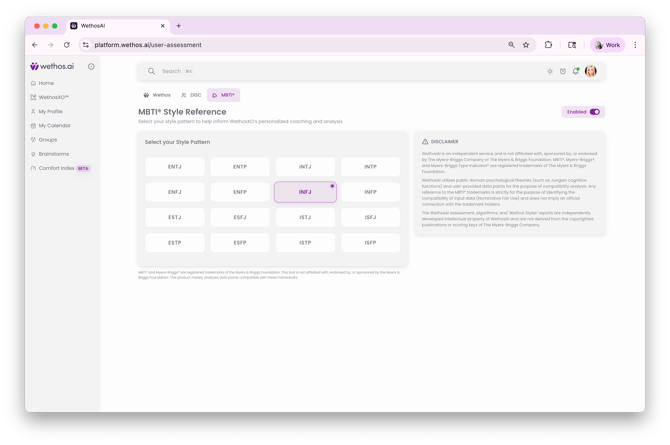
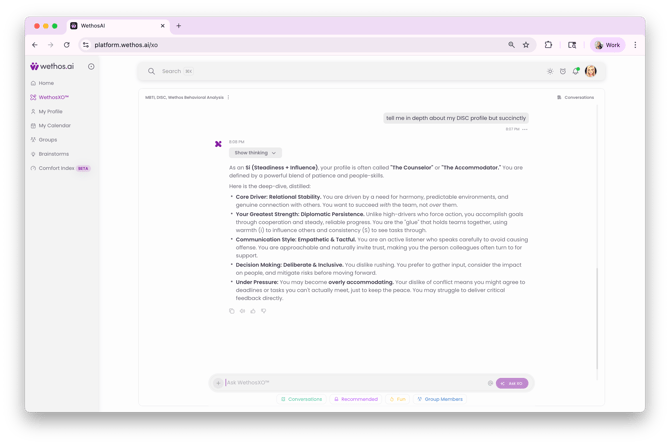
4. Ask WethosXO questions related to your results
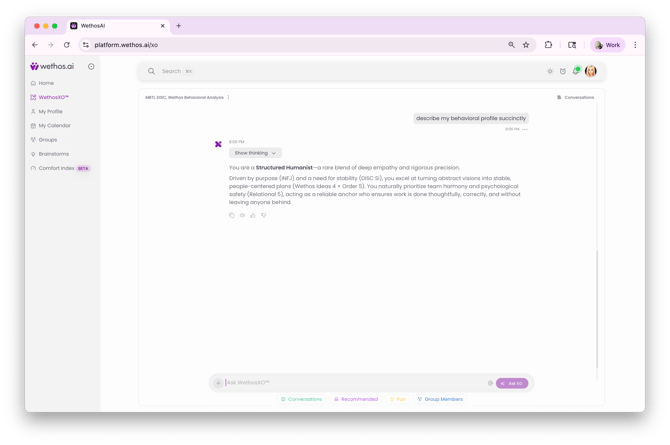
5. XO stays in context allowing you to interface with your preferred shared language- whether that's the Wethos Working Styles, MBTI, or DISC